
Edit Contacts
To edit contacts, follow the steps below:
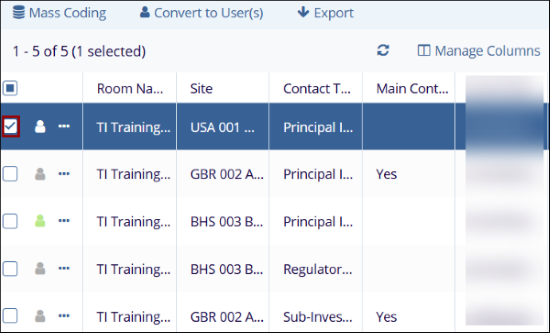
- Click on the checkbox next to the contact.
-
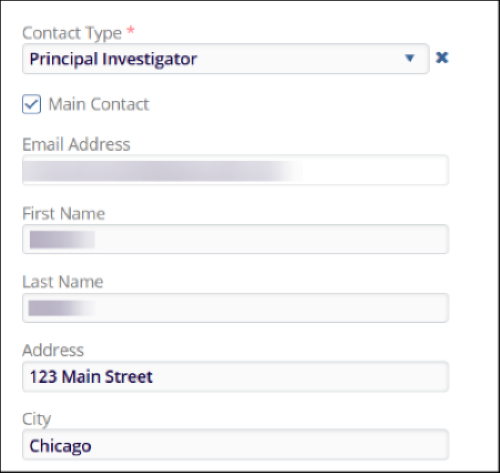
Within the metadata panel on the right-hand side, make neccessary changes to the metadata fields.
- Contact Type*: Select a contact type from the dropdown list.
- Main Contact: Check or uncheck the Main Contact checkbox to designate the contact as a main contact. If selected, the Main Contact column in the contacts screen will display Yes and vice versa.
- Email Address*: This field is non-editable.
- First Name*: Enter or update the contact's first name.
- Last Name*: Enter or update the contact’s last name.
- Status: Enter or update the contact’s status.
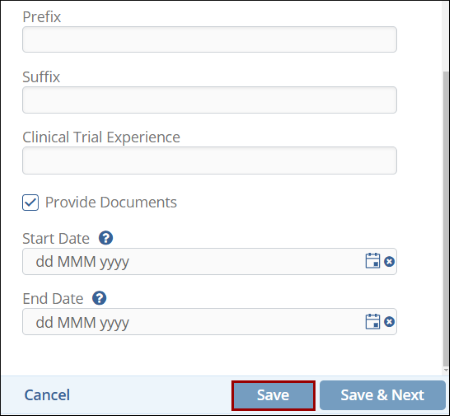
- Once all the changes are made, click on the Save button.
© 2025 Trial Interactive. All Rights Reserved

