
Export Audit Trail
To export the Audit Trail data, follow the steps below:
- On the Audit Trail screen, click on the Export
button.
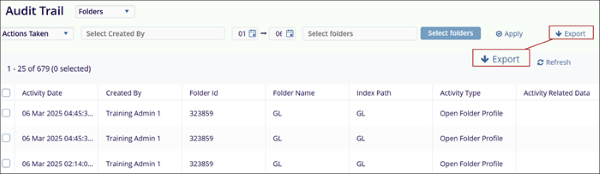
- On the Audit Trail Export popup displaying the success message,
click on the Get Results button to download MS Excel Worksheet
containing the export data.

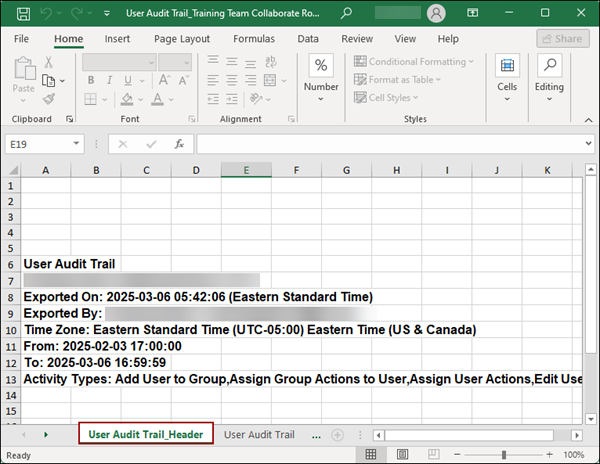
- On the downloaded file, click on the Audit
Trail_Header tab to view the header related details.
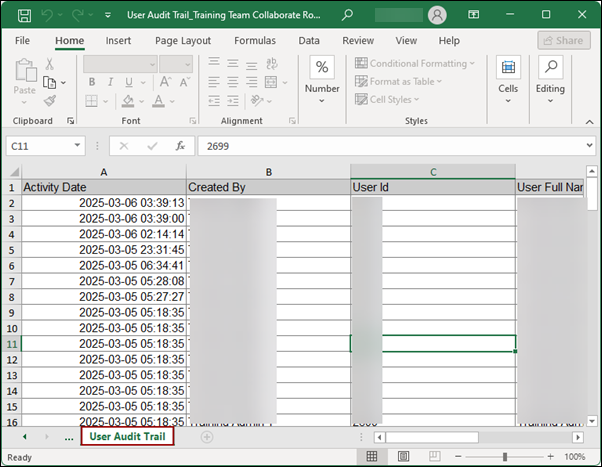
- Click the Audit Trail tab to access audit trail details.
© 2025 Trial Interactive. All Rights Reserved

