
Document Status
Document Status displays the status names that have been assigned to the documents.
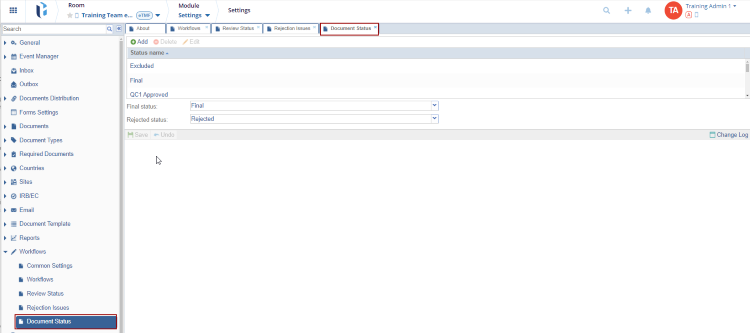
To add Document status, follow the steps below:
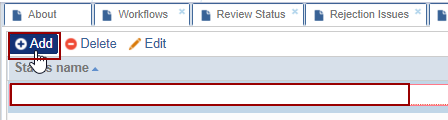
- Click Add to add the Status name.
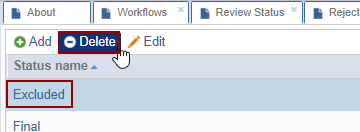
- Click on the Delete button to delete the selected status name.
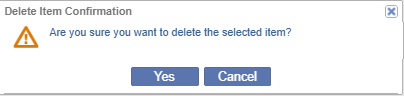
- Click on the Yes button on the Delete Item Configuration dialog box.
- Select the Status name and click Edit. The selected field gets editable.
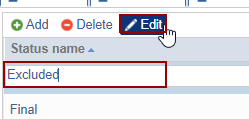
- The Final Status and the Rejected Status fields display the status that the user wants to associate.
© 2025 Trial Interactive. All Rights Reserved

