
Audit Trail Filters
Users can apply additional filters to the selected scope. The following filters are available in the Audit Trail modal, allowing users to retrieve specific data.
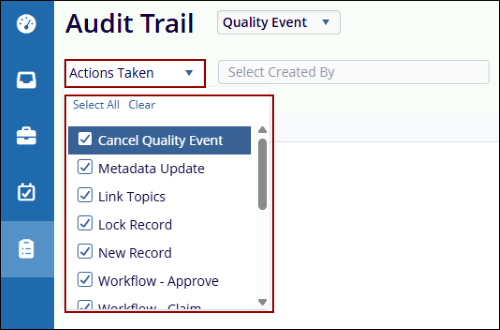
- Actions Taken: Use this dropdown to select the actions required for filtering the
audit trail by, based on the chosen scope. The available actions in the dropdown update
dynamically depending on the selected scope. All actions can be chosen, or specific ones can
be selected by checking their respective checkboxes.
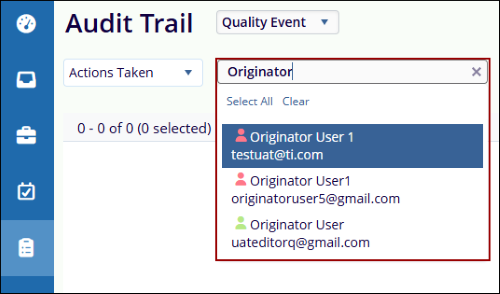
- Select Created By: Enter one or more usernames in this field to filter the audit
trail by the user who created the record. Once a username is selected, the Audit Trail
screen filters to display only the records created by that specific user.
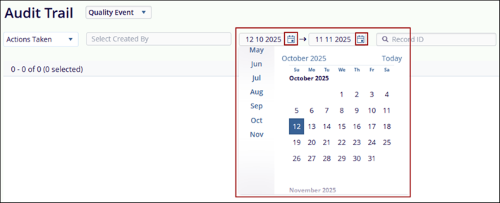
- Date Filters: Specify a date range by entering start and end dates in the
respective fields. By default, the start date is set to the previous month and the end date
is set to the current date. Click the calendar icon to pick dates, then click Apply to load
the results. To navigate to a prior year, scroll up within the Months field.
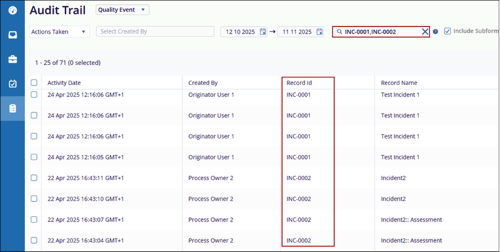
- Record ID Filter: Use this field to retrieve audit logs for one or more specific
records by entering their ID numbers, separated by commas. Click Apply to display the audit
trail entries for the specified record IDs.
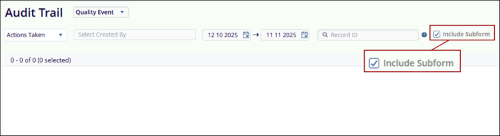
- Include Subform: Select this checkbox to include subform data in the audit trail results.
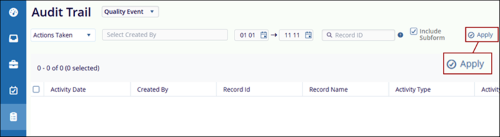
- Apply: Click this button to load audit trail data based on the selected filters and scope.
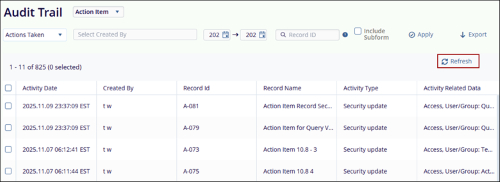
- Refresh: This button becomes available once the audit trail results are displayed.
If any filter or parameter is modified, click Refresh to update the results and reflect the
latest applied settings.
© 2025 Trial Interactive. All Rights Reserved

