
QMS Room Settings
The Record Types in Room Settings enable Admin users to create, manage, and configure record types. The Record Types settings page displays a structured interface to manage record types and their associated forms, workflows, and field settings. Record types are displayed in a tree structure, categorized by pre-defined categories based on forms with the main topic type.
To access the Record Types settings page, follow the steps below:
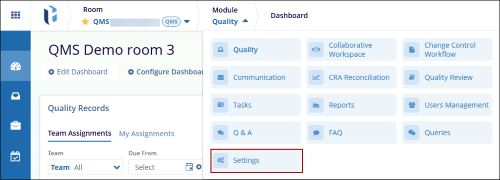
- Click on the Modules dropdown and select the Settings module.
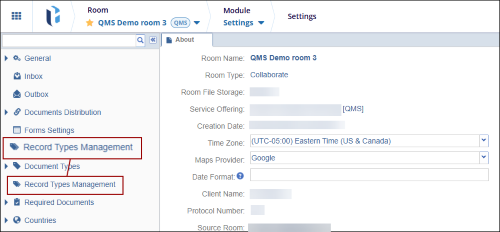
- From the Settings, select the Record Types from the left-hand navigation pane.
© 2025 Trial Interactive. All Rights Reserved

