
Add Status
The Add button is used to add a new Status below.
To add audit statuses, follow these steps:
- Click the Add button on the Quality Review Status tab.
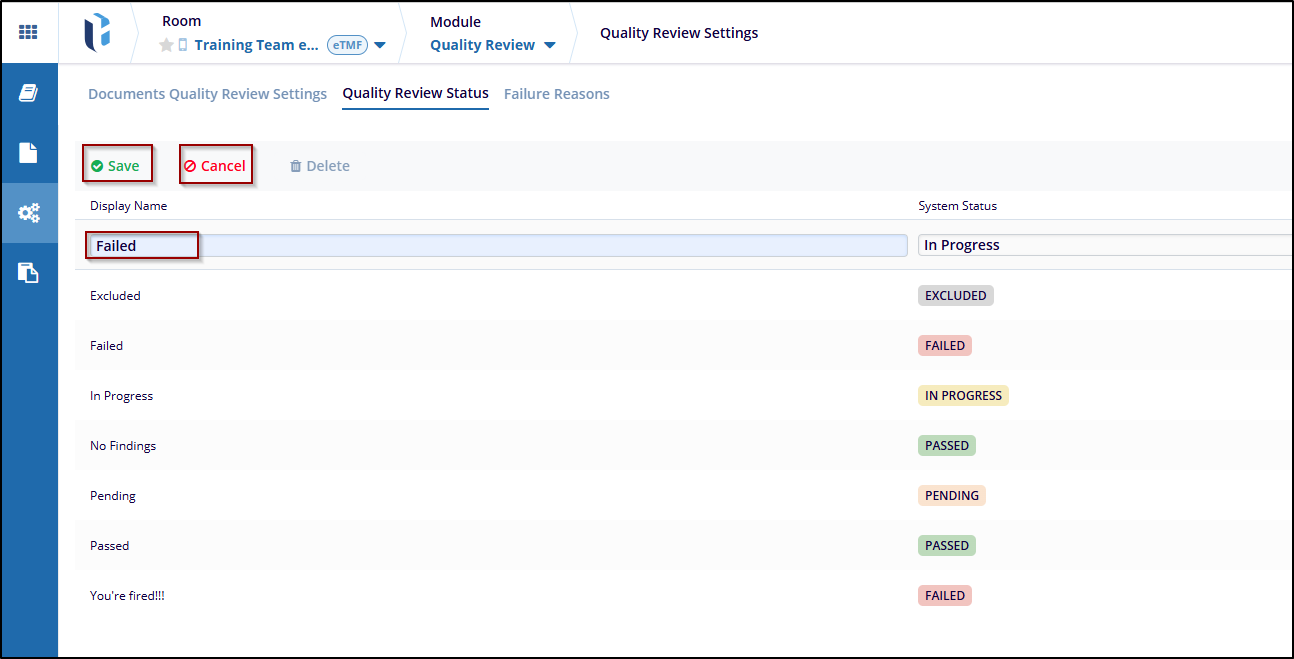
- Once clicked on the Add button is clicked, the fields under the Display Name and System Status are available to edit.
- Enter the statuses in the Display Name. Click on the dropdown arrow from the System Status field and select the established System Status term to associate with the newly added Display Name.
- After adding, click the Save button to apply the changes and click on Cancel to discard the changes.

 Linkedin
 X
X

