
Failure Reasons
The Failure Reasons section enables users to define a list of standardized failure reasons that auditors can select when marking an audit as failed.
Add Failure Reason
To add a failure reason, follow the steps below:
- Navigate to the Quality Review Settings tab and select the Failure Reasons section.
- Click the +Add button.
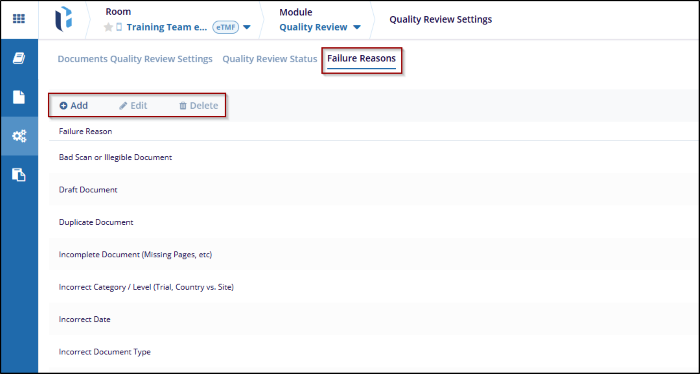
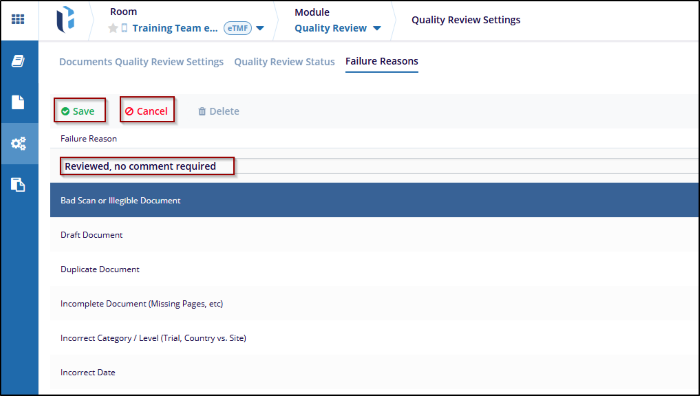
- Enter the failure reason within the text box under the Failure Reason field.
- Click Save.
Edit Failure Reason
To edit a failure reason, follow the steps below.
- Select a failure reason from the list.
- Click Edit from the top menu bar or select the pencil icon next to the chosen
failure reason.
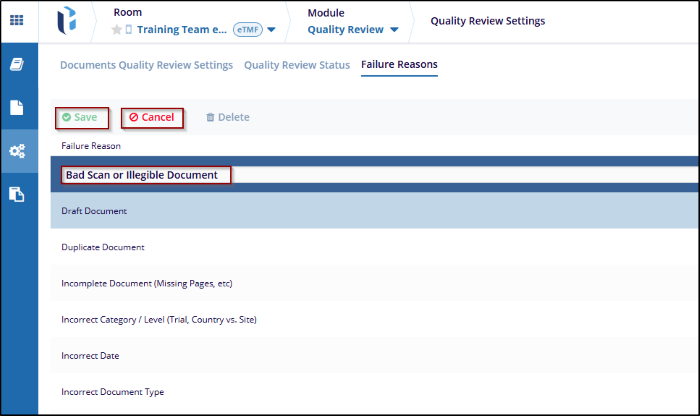
- Make changes to the failure reason and click Save.
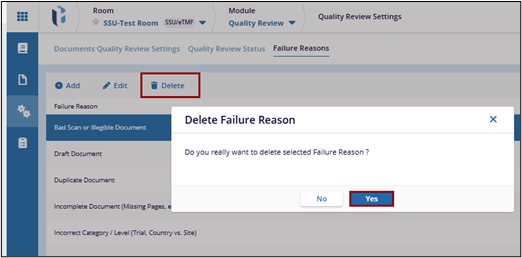
Delete Failure Reason
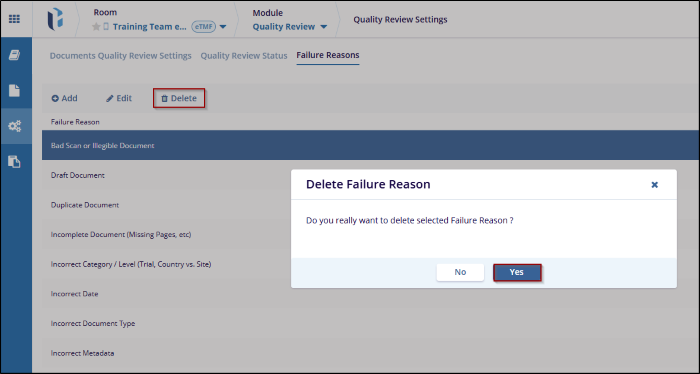
To delete a failure reason, follow the steps below:
- Select a failure reason from the list.
- Click Delete from the top menu bar.

 Linkedin
 X
X

