
Creating a CRA TMF Reconciliation Report
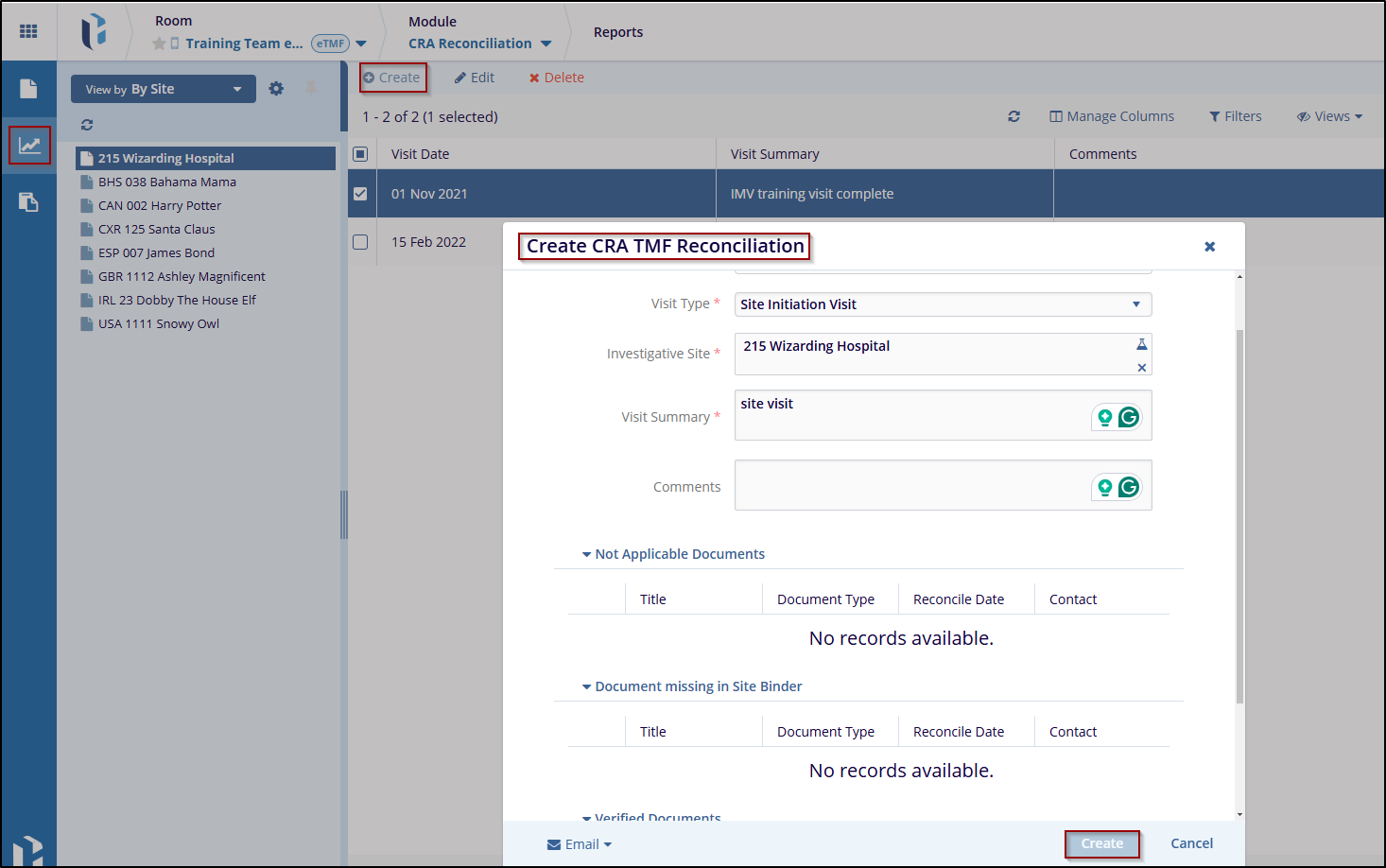
- Select the appropriate filter from the View By dropdown. The relevant reports will then populate the grid.
- Select the appropriate site and click the Create button from the top ribbon.
- A new Create CRA TMF Reconciliation window will open. Complete the required fields.
- Fill in the appropriate details and click the Create button to create a report.
- The user will receive a notification that the Site Report has been created successfully. The report will then be displayed in the grid.

 Linkedin
 X
X

