
Export
To export the document types, follow the steps below.
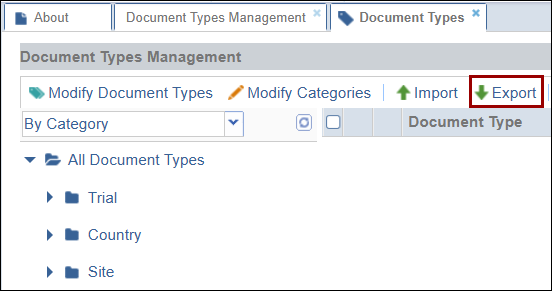
- Click on the Export button from the top menu
bar.
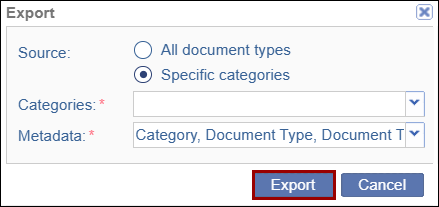
- On the Export window, select any one options from the source
category
-
All Document Types: This option will retrieve data for all document types.
-
Specific Categories: This options allows exporting document types associated with specific categories.
-
-
If Specific Categories option is selected, specific the Categories and Metadata fields into their respective fields.
-
Click on the Export button once the necessary options are selected.
-
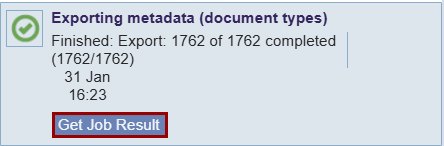
Click on the Get Job Result button to download an Microsoft Excel Worksheet into the local system.
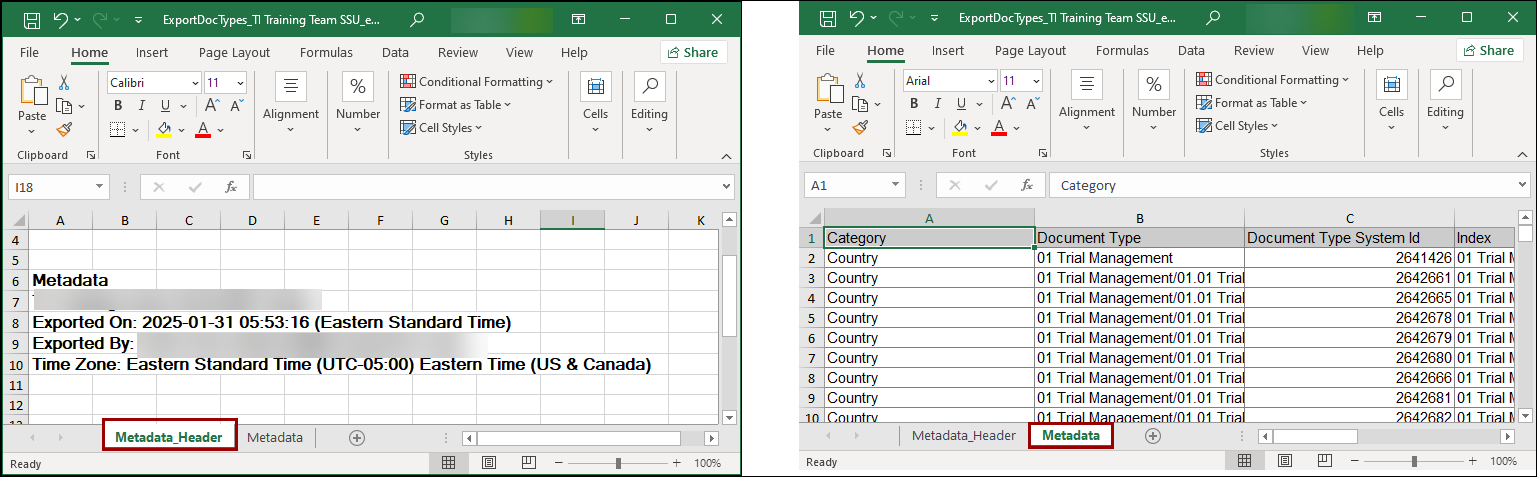
- The downloaded file displays the Metadata Header and Metadata tabs with the respective details.

 Linkedin
 X
X

