
Add Events to a Room from the Home Page
- Click the Add dropdown button on the home
page's right side of the room. Click the Add Event
from the drop-down.
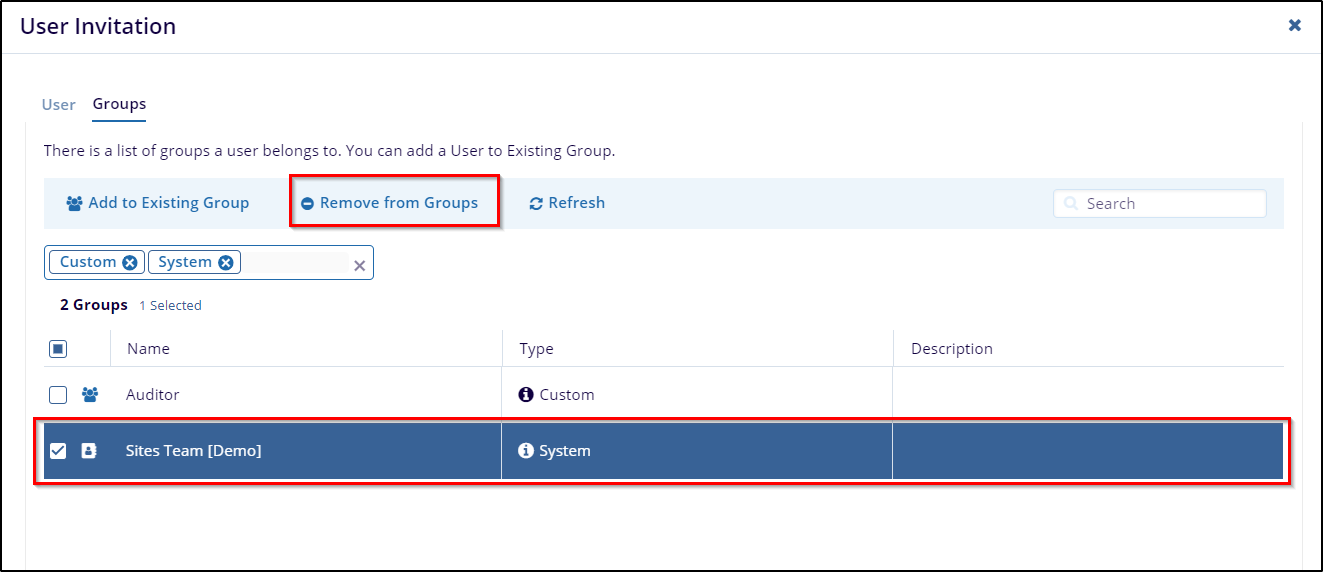
- This is an open Create Event window. To create the event and understand the step-by-step process. Please refer to this section.

 Linkedin
 X
X

