
Add Sites to a Room
Steps to Add Site to a Room from the Home Page:
- Click the Add dropdown button on the home
page's right side of the room.
.png)
- Select Add Sites from the dropdown. The New Site window will appear.
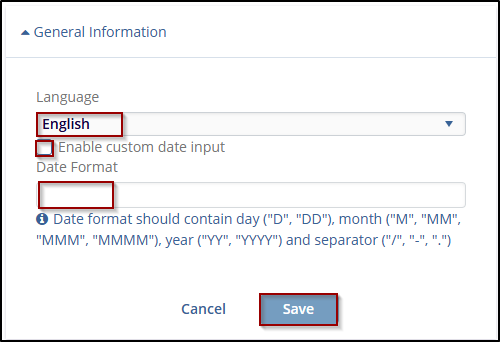
- Enter the required details as prompted on the screen. The Institution Name field is a mandatory field.

 Linkedin
 X
X

