
Home Page Grid View
This section provides access to rooms and view their overview and detailed summary.
Explore Job Aids for more help:
Job Aids
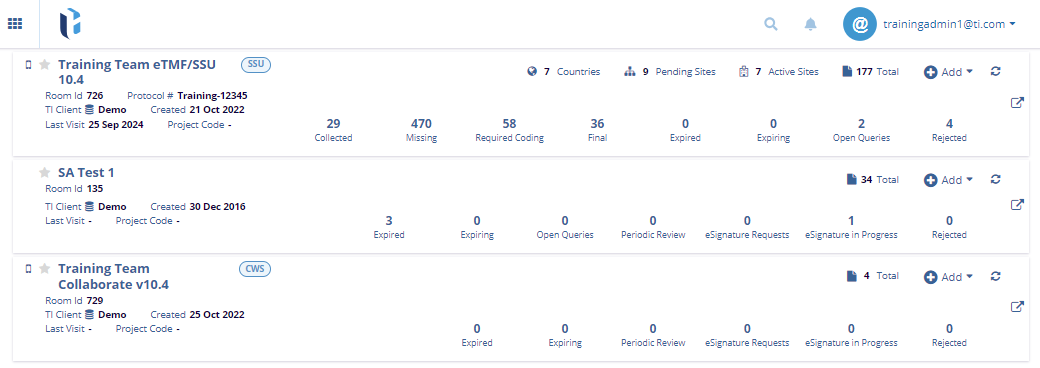
Once signed in to Trial Interactive, users are automatically directed to the Trial Interactive Home Screen, as shown in the screenshot below.
To view home page grid view, follow these steps:
- Click on the Grid icon at the top left corner.
- It displays the Tasks and Application Links.
- To check the assigned task, click on the Task. It will redirect the user to the Task grid view.
- Additionally, the user can access the application by clicking on the Application
Name. Refer to the screenshot below.

 Linkedin
 X
X

