
Deleting an Existing Workflow
-
-
-
- Select a workflow from the list you wish to delete and then
click Delete from the top menu.
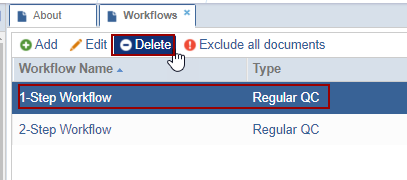
- The Delete pop-up window is displayed.
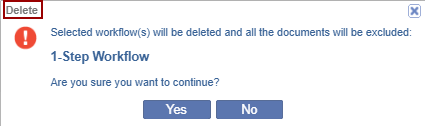
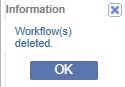
- If clicked Yes, the Information dialog is displayed.
- Select a workflow from the list you wish to delete and then
click Delete from the top menu.
-
-
Deleting an existing workflow will result in the removal of any related status from documents previously processed as a part of the deleted workflow.

 Linkedin
 X
X

