
Edit Workflow
To edit a workflow, follow the steps below:
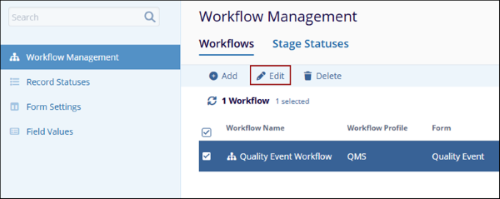
- On the Workflows screen, select a workflow and click on the Edit button from
the top menu bar.
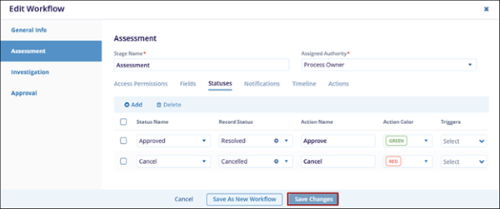
- On the Edit Workflow screen, make the required changes in each stage and click on the Save Changes button.
- Click the Save As New Workflow button to save the updated workflow as a new workflow.
Note:
Only records created after the workflow update will follow the updated workflow. Records that were already part of the workflow before the update will continue following the original workflow.
© 2025 Trial Interactive. All Rights Reserved

