
Export
To export the record types, follow the steps below:
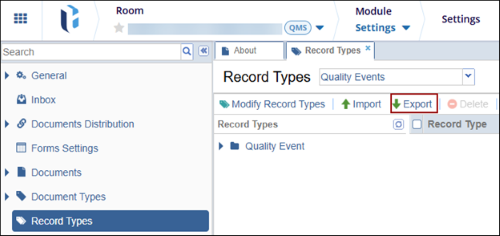
- From the Settings module > Record Types Management, select a parent record type
and click on the Export button from the top menu bar.
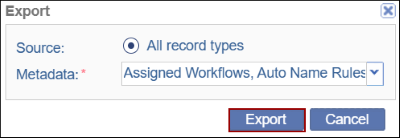
- On the Export dialog box, add the metadata fields from the dropdown options and
click on the Export button.
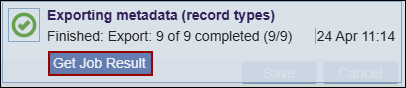
- Click on the Get Job Result button on the Exporting metadata dialog box and
download the file into the local system.
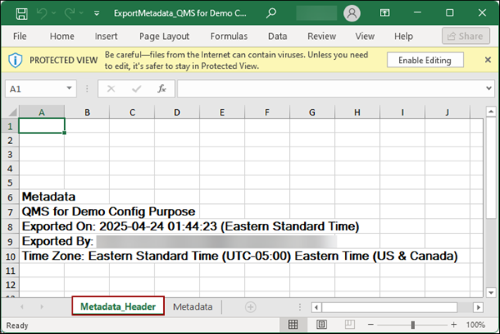
- On the downloaded file, click on the Metadata_Header tab to view details like
Room Name, Exported On, Exported By, and Time Zone.
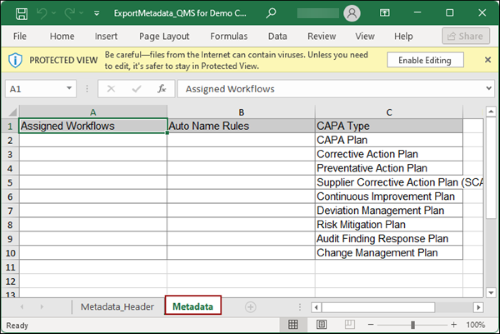
- Click on the Metadata tab to view the details about the record types.
© 2025 Trial Interactive. All Rights Reserved

