
Document Replacement Reasons
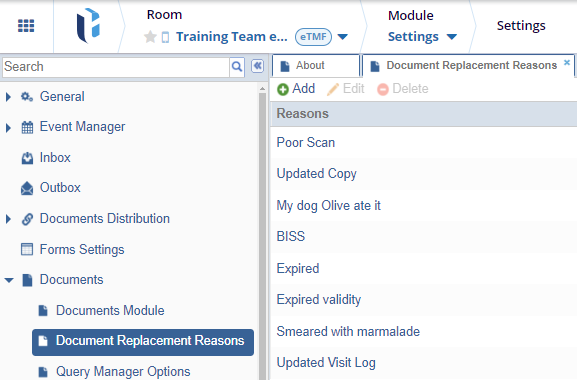
In this section, administrators can configure a list of reasons to be displayed in the dropdown menu when users replace an attachment for a document. These reasons help standardize and document the rationale for file replacements.
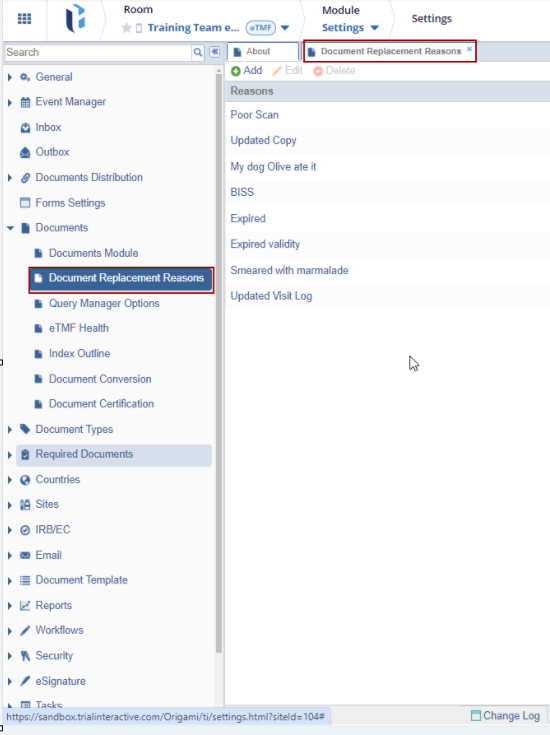
Add
- Navigate to Navigation Grid->Settings -> Documents -> Document Replacement Reasons.
-
Click ‘Add’ from the top ribbon bar.
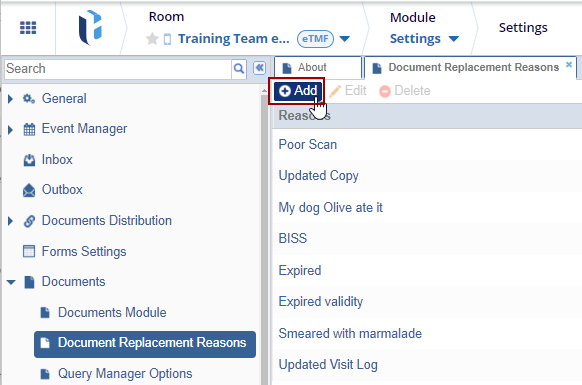
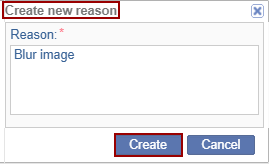
- The ‘Create New Reason’ pop-up window opens.
- Enter the reason and click ‘Create.’
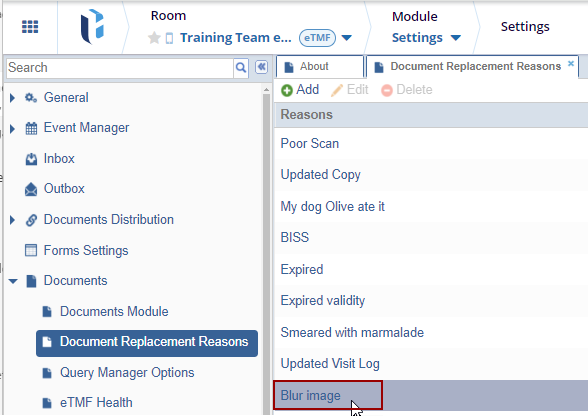
- The reason created is added to the list of reasons shown in the list.
Edit
-
Select the reason from the available list of reasons and click ‘Edit’ from the top ribbon bar.
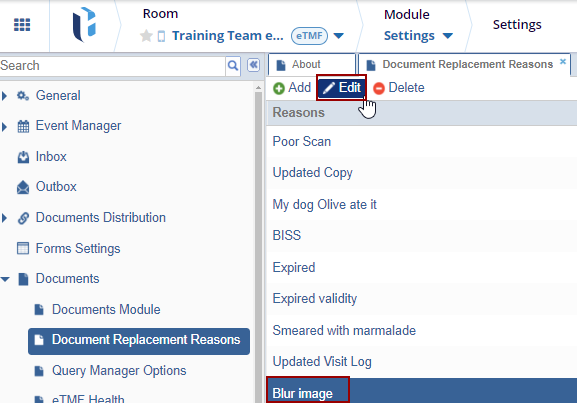
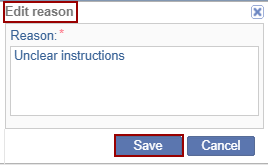
- The ‘Edit Reason’ pop-up window opens.
-
Enter the reason and click ‘Save.’
-
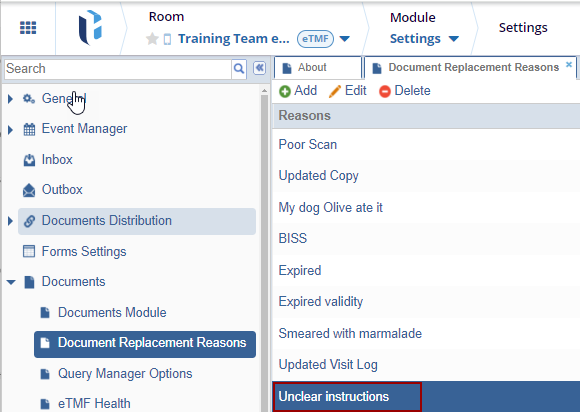
The reason edited is added to the list of reasons shown in the list.
Delete
-
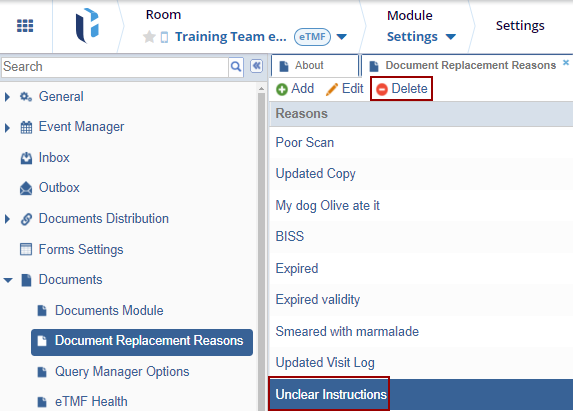
Select the reason from the available list of reasons and click ‘Delete’ from the top ribbon bar.
-
The selected reason gets deleted from the list.

 Linkedin
 X
X

