
Add New/Existing Child Group
To add existing child group in the User Management module, follow these steps:
- In User Management, click the Groups icon on the left menu to access the Groups page.
- Click the Add Child Group dropdown in the top menu. You have two options
Refer to the screenshot below.
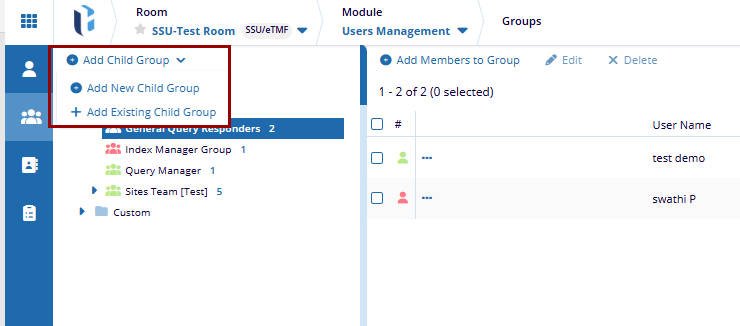
- Add New Child Group: This opens a window to create a new child group. Enter the
required details and click Create to add the new child group.
.png)
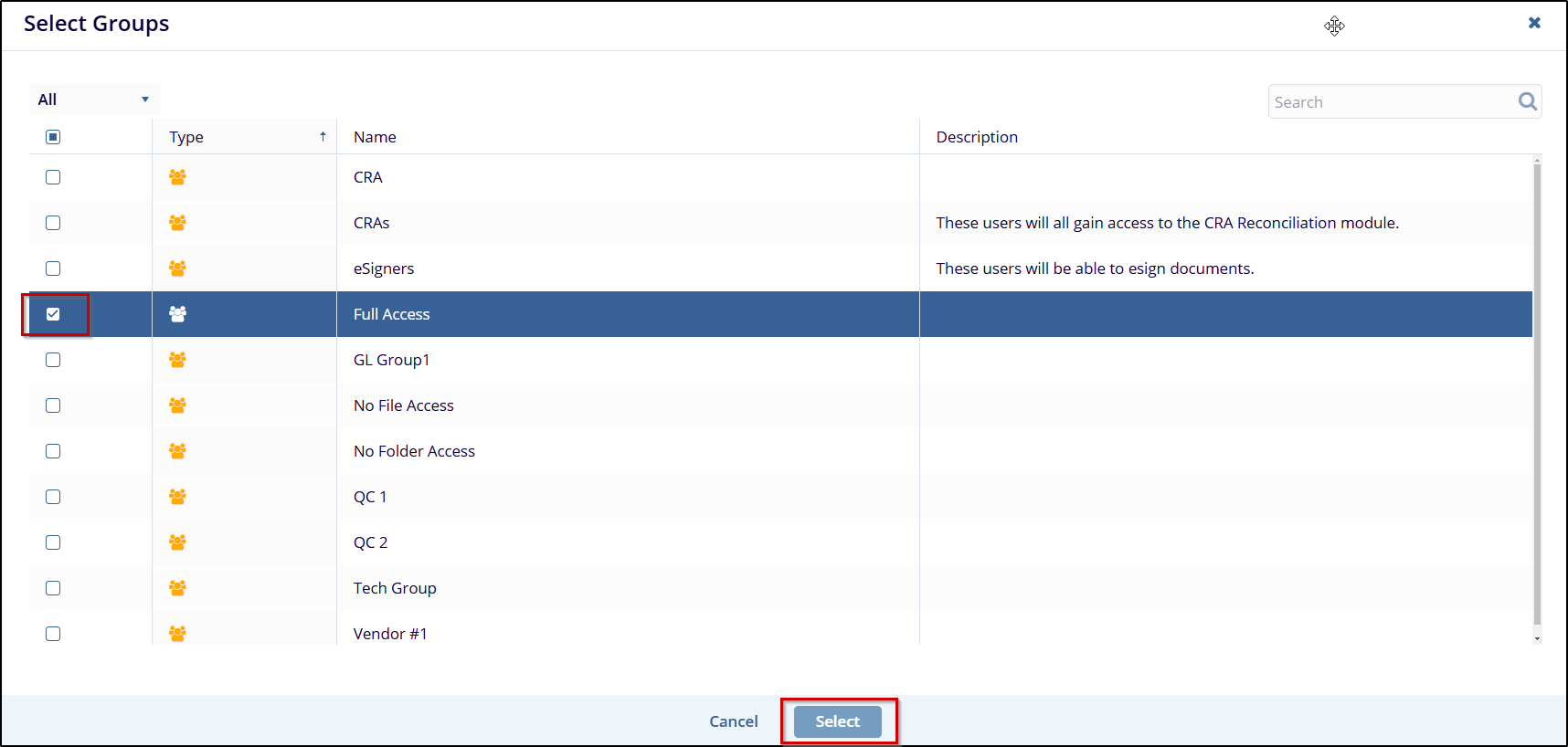
- Add Existing Child Group: Opens the Select Groups popup. Select an existing
group from the list to designate it as a child group of the selected parent group, then
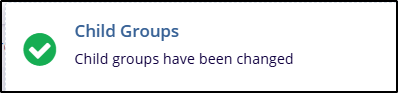
click Select. Refer to the below screenshot.

 Linkedin
 X
X

