
Room Search and Trial Interactive Room Access
Explore Videos for more help:
Videos
To Search and Accessing room , follow these steps:
- At the top right of the application, you'll find a magnifying glass icon for searching assigned rooms.
- Click the magnifying glass icon to open the search screen.
- From there, select a room entity from the drop-down menu and type the room name to search.
- Click on the room name in the panel to enter the room. Refer to
the below screenshot
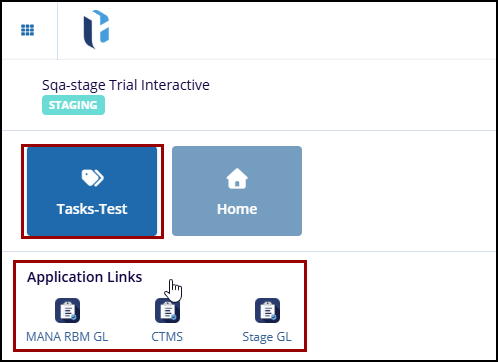
- To learn how to perform advanced search in TI, click here.

 Linkedin
 X
X

