
Add to Favorites
Marking a document as a favorite makes it appear in the My Favorite Documents dashlet on the dashboard and provides a direct link to the document from that dashlet.
To mark a document as a favorite, follow the steps below:
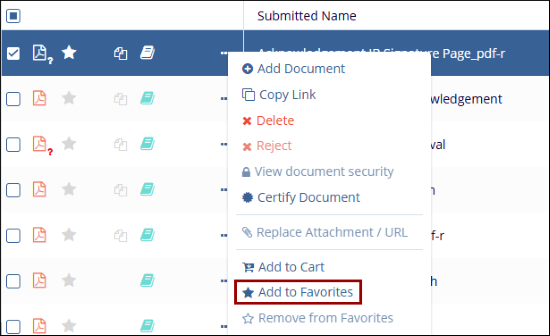
- Click the Star icon on the document line in the grid.
- Select a document and click on the Add to Favorites button from the
document activities menu.
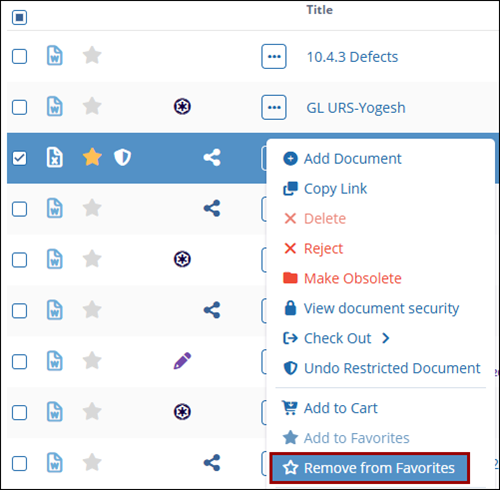
- Similarly, select Remove from Favorites option to remove the document from
the favorites list.
© 2025 Trial Interactive. All Rights Reserved

