
Certify Document
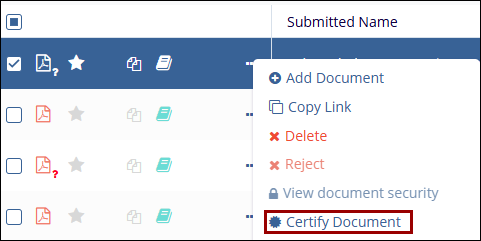
For studies in which the document certification option is in use, a user can either choose to indicate that a document is a certified copy upon upload or it can be done via the Document Activities Menu.
Follow the steps to certify a document:
- Select a document and click on the Certify Document button from the document
activities menu.
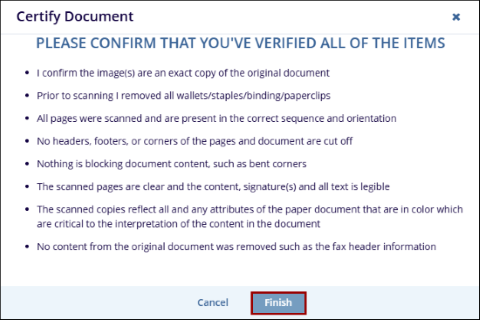
- Read the criteria and press Finish if the document meets all expectations.
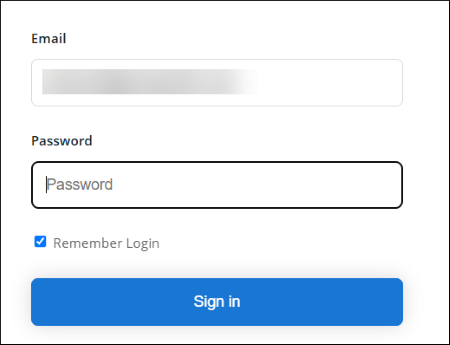
- Use the username and login to complete the process.
© 2025 Trial Interactive. All Rights Reserved

