
About Trial Interactive
Explore Job Aids for more help:
Job Aids
Click on the About Trial Interactive link to reveal the About Trial Interactive. Administrator-level users typically configure this to welcome new users and provide them with information about the Trial Interactive version.
Click on close button at the bottom, to close the pop-up window of Trial Interactive
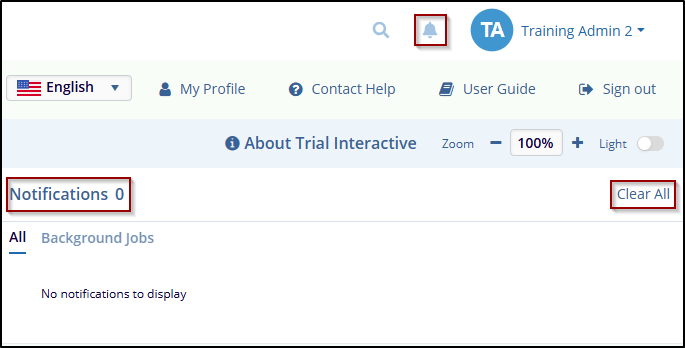
Zoom
To zoom in on a room, press on + Sign enlarge the content size. To zoom out, press on – Sign to decrease the content size, as shown in the below screenshot.
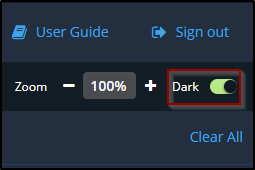
Dark Mode
To switch between Dark Mode and Light Mode. Choose Dark Mode for a low-light-friendly interface or Light Mode for a brighter look, switch based on your system preferences. As shown in the below screenshot.

 Linkedin
 X
X

