
Language Setting
To set your preferred language:
- Click on the Language dropdown.
- Scroll down to locate your preferred language.
- Click on the language to select it.
- The room menu and field labels will change to the selected language.
Contact Help
In this section, where you need any help related to Trial Interactive, you can contact the Service Desk by clicking on Contact Help from the Username Menu.
This opens the Contact Support window, which allows you to enter the details for the request needed and send it to the service desk. Refer to the screenshot below.
Online User Guide
This section takes you to the Online User Guide which contains the full contents of this document, in addition to job aids and videos designed to help you perform many of the most common tasks in Trial Interactive.
Sign Out
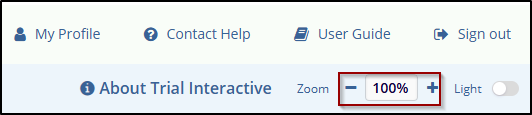
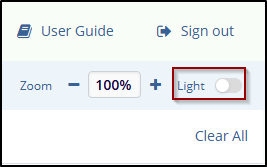
Click on the Sign-out button at the top right corner, as shown in the below screenshot and you will be logged out of your account.

 Linkedin
 X
X

