
Release Documents
To release a claimed document, follow the steps below:
- Access the QC Review module from the navigation grid.
- Open the My Review tab to view the approval workflows to which the logged-in user is assigned.
- Expand the workflow dropdown to display the associated folder structure.
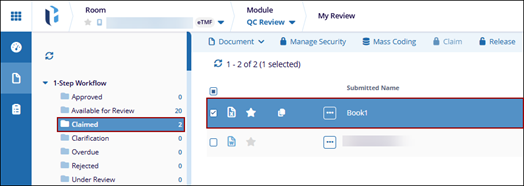
- Open the Claimed folder and select the document.
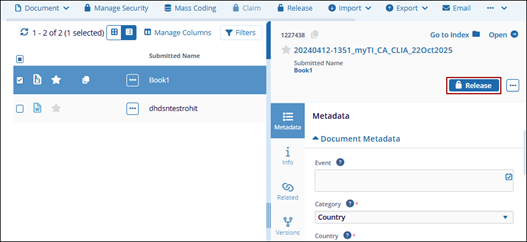
- Open the documents metadata panel and click Release button.
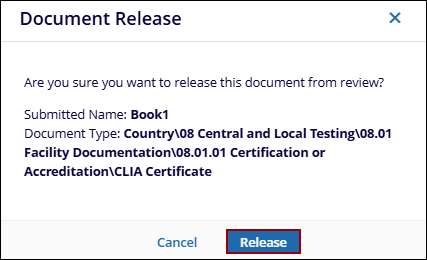
- Click Release on the confirmation pop-up.
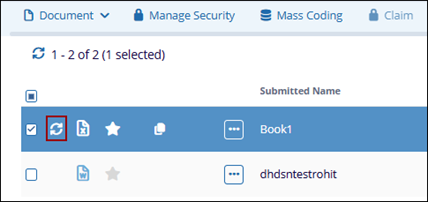
- Click the refresh icon next to the document icon.
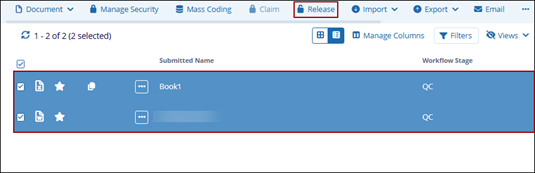
- To release multiple documents, select the documents and click Release button
from the top menu bar.
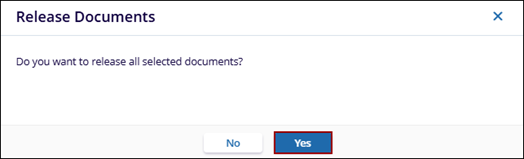
- Click Yes on the confirmation pop-up.
- Once released, the documents are displayed in the Available for Review folder.

