
Disable Audit Profile
Explore Job Aids for more help:
Job Aids
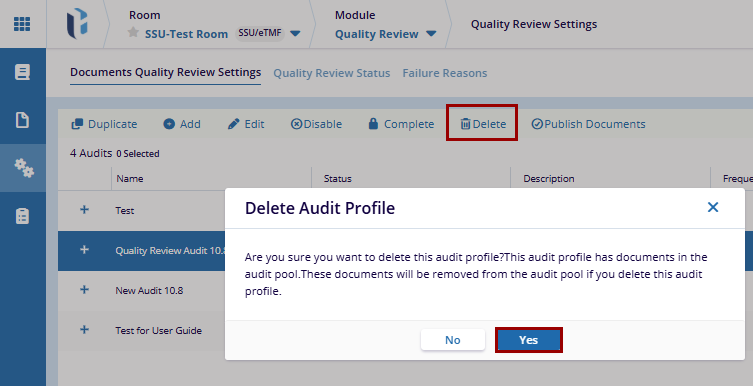
To Disable the audit profile, follow the steps below:
- Navigate to the Quality Review module and open Quality Review Settings.
- Click on the Documents Quality Review Settings tab.
- From the list, select the audit and click the Disable button in the top menu bar.
- Enter a reason in the pop-up window.
- Click the OK button displayed at the bottom of the pop-up window.

 Linkedin
 X
X

