
Edit Audit Profile
To edit an existing audit, follow the steps below:
- Navigate to the Quality Review module and open Quality Review Settings.
- Click on the Documents Quality Review Settings tab.
- From the list, select the audit and click Edit from the top menu bar.
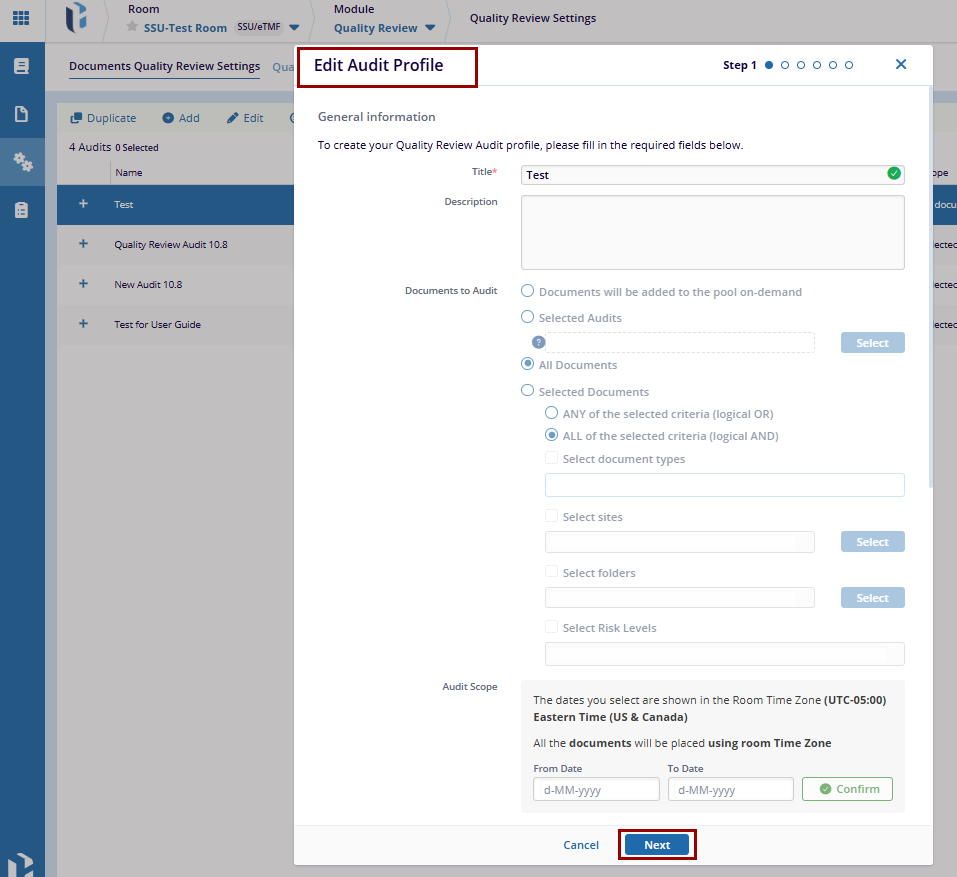
- Update the necessary information within the first five steps of the audit profile.
- In Step 6, verify the changes and click Finish.

 Linkedin
 X
X

