
General
Within the General Q&A Settings, administrators can specify the question levels and enable or disable the Q&A Configuration Settings.
Question Level
To configure the question levels, follow the steps below:
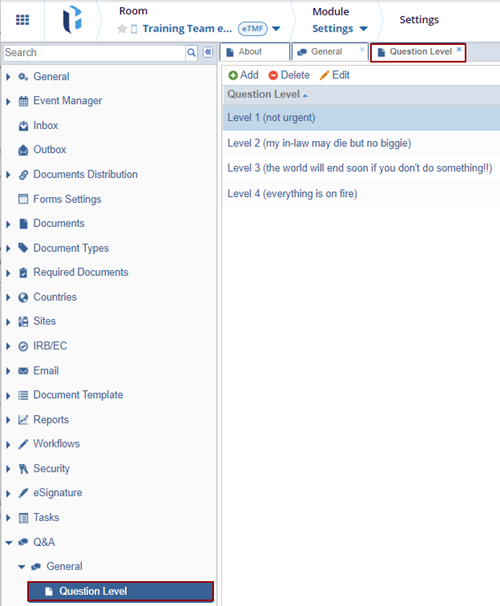
- Expand the Q&A > General settings dropdown and select the Question Level option.
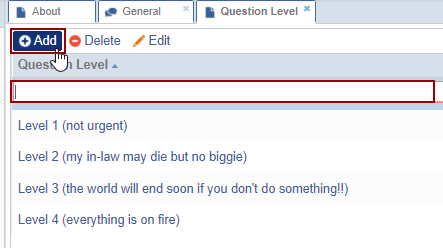
- On the Question level page, click +Add.
- Enter the question in the field displayed.
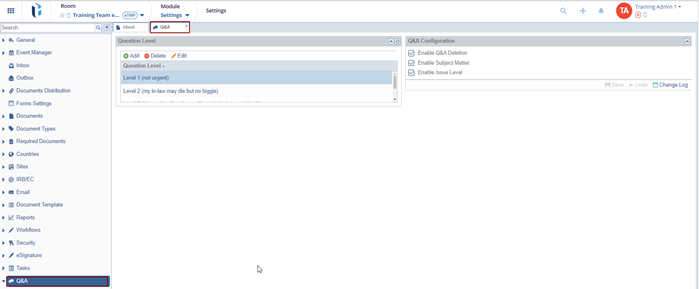
- To edit a question level, select an option from the list.
- Click Edit and modify the question level.
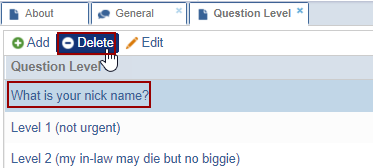
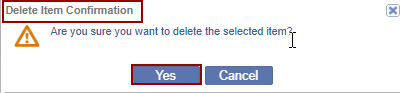
- To delete a question level, select an option from the list and click Delete.
-
Click Yes on the confirmation pop-up.
Q & A Configuration
To enable the Q & A Configuration Settings, check the following checkboxes and click Save.
- Enable Q&A Deletion.
- Enable Subject Matter.
- Enable Issue level.

 Linkedin
 X
X

