
Sites
Within the Sites Settings section, administrators can define and manage configuration options for investigative sites participating in a clinical trial. These settings include the site naming pattern, associated folder structure, default access rights, contact types, site status values, and CRA visit types and corresponding statuses.
To access the Sites settings, follow the steps below:
- Navigate to the Settings module.
- Expand the ‘Sites’ setting dropdown from the left-hand navigation pane.
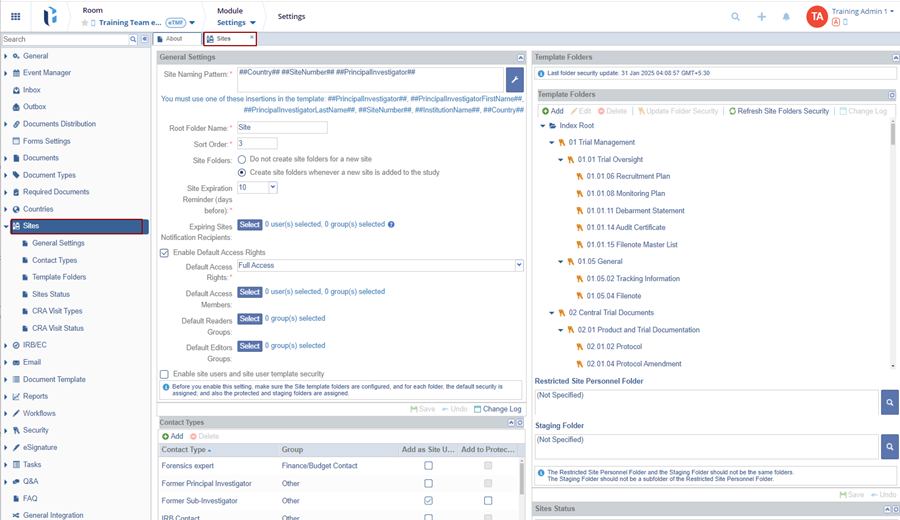
- Access and configure the following site related settings
- General Settings
- Contact Types
- Template Folders
- Stie Statuses
- CRA Visit Types
- CRA Visit Statuses

 Linkedin
 X
X

