
Export
To export the required documents, follow the steps below:
- Navigate to Required Documents > Export section.
- Select All Required Documents radio button to export all document marked as required and click Export.
- On the Export all Required Documents pop-up, click Get Job
Result.
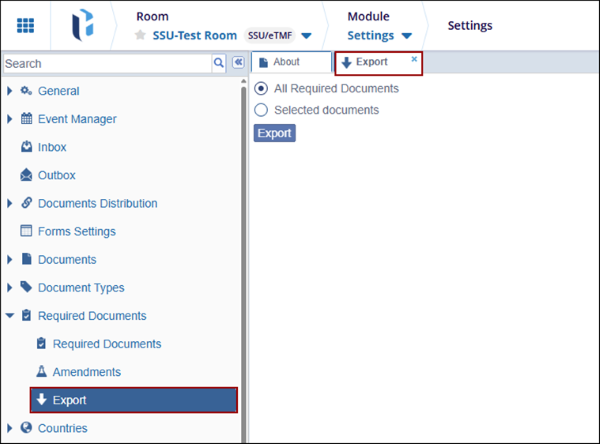
- To export specific required documents, select the Selected Documents radio button.
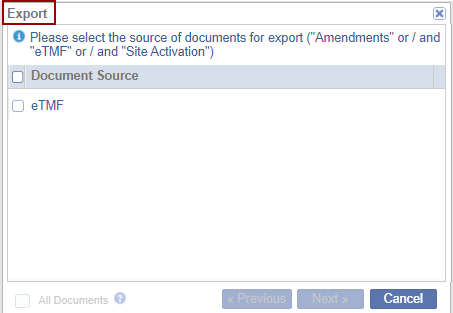
- On the Export window, select the document source and click Next.
- Click on the All Documents checkbox to export all document for the selected
document source.
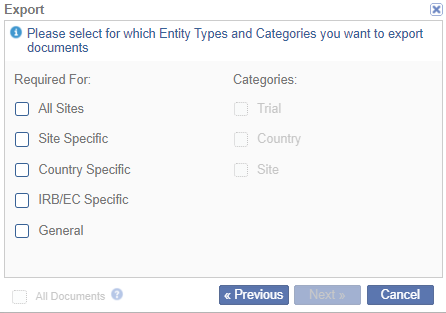
- Select the entity types and categories are checking their respective
checkboxes and click Next>>.
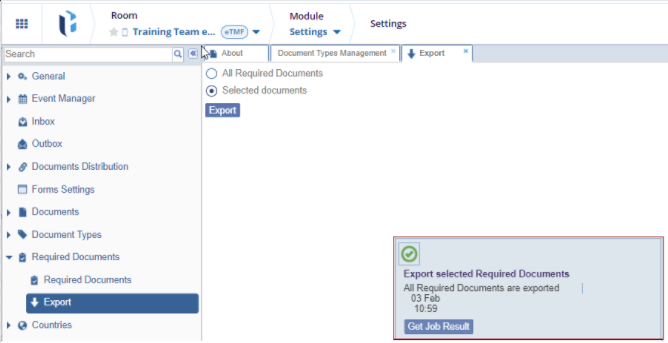
- Click Export.
- On the Export all Required Documents pop-up, click Get Job Result.
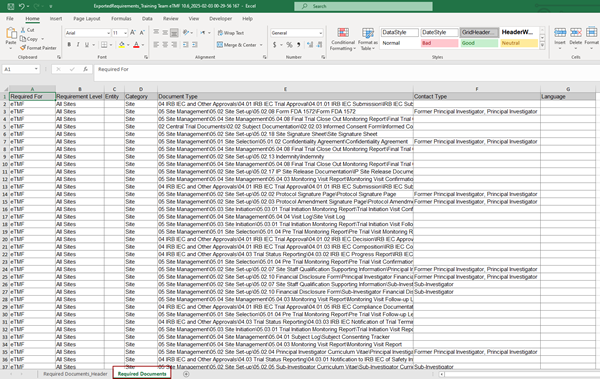
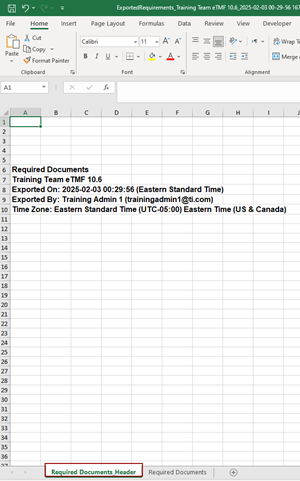
- The downloaded export file displays the following two tabs
- Required Documents Header: This tab displays the information such as
room name, time of export, name of user to initiate the export and
time zone.
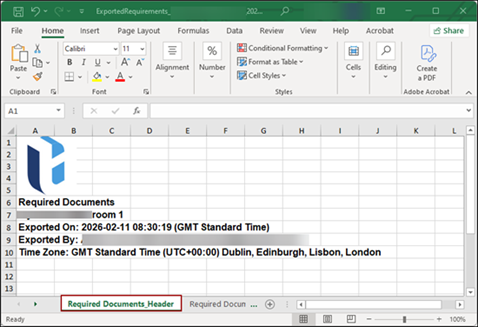
- Required Documents: Displays the list of all required documents.
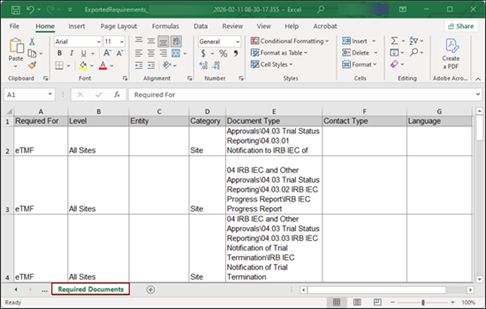
- Required Documents Header: This tab displays the information such as
room name, time of export, name of user to initiate the export and
time zone.

 Linkedin
 X
X

