
Monitoring Visit Options
Monitoring Visit Options have 2 panes
- Visit Types
- Visit Conduct Types
Visit Types
Follow the instructions below:
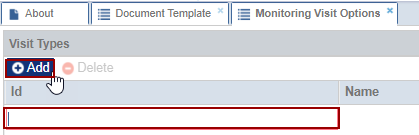
- Click the ‘Add’ button, the ID
field gets editable.
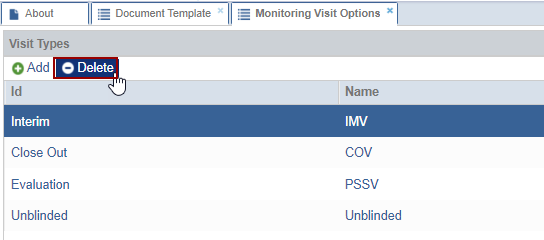
- Select the ‘Visit Type ID’ and click Delete the selected type disappears from the list.
Visit Conduct Types
Follow the instructions below:
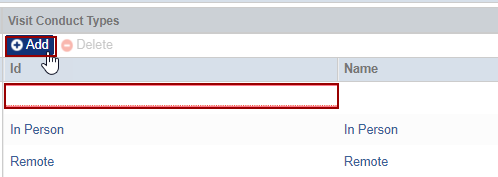
- Click the ‘Add’ button, the ID
field gets editable.
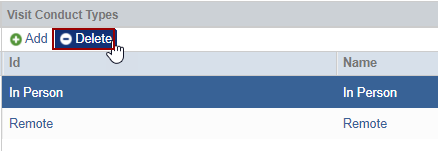
- Select the ‘Visit Conduct Type ID’ and click Delete the selected type disappears from the list.

 Linkedin
 X
X

