
Document Encryption Options
The system provides Digital Rights Management (DRM) functionality. This feature provides additional security options to the users. Refer to the screenshot below:
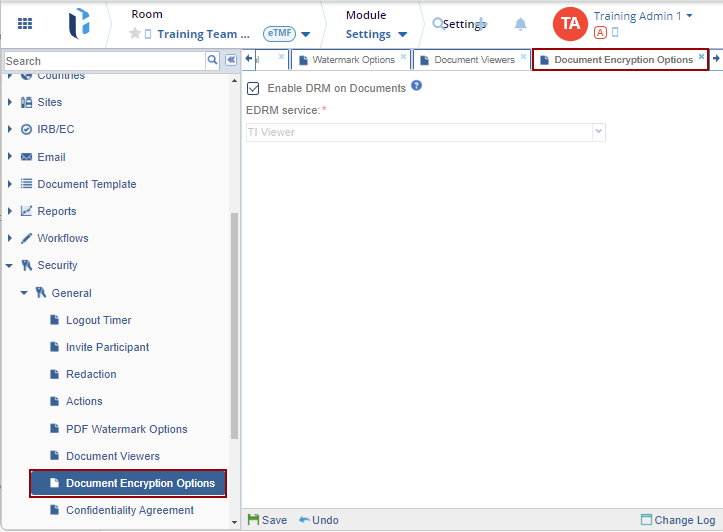
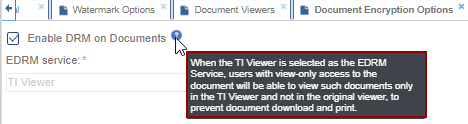
Use the checkbox to Enable DRM on documents for enabling or disabling the documents.
The Change Log option, located at the bottom right of the screen, displays a record of Document Encryption Options. It includes columns for Item Name, New Value, Old Value, Updated By, and Updated On (with the timestamp) and Close button.
Ensure to click Save to apply and retain any changes.

 Linkedin
 X
X

