
Redaction
Redaction refers to removing or protecting sensitive information from a document to ensure it can be safely distributed to a wider audience without compromising confidentiality or privacy.
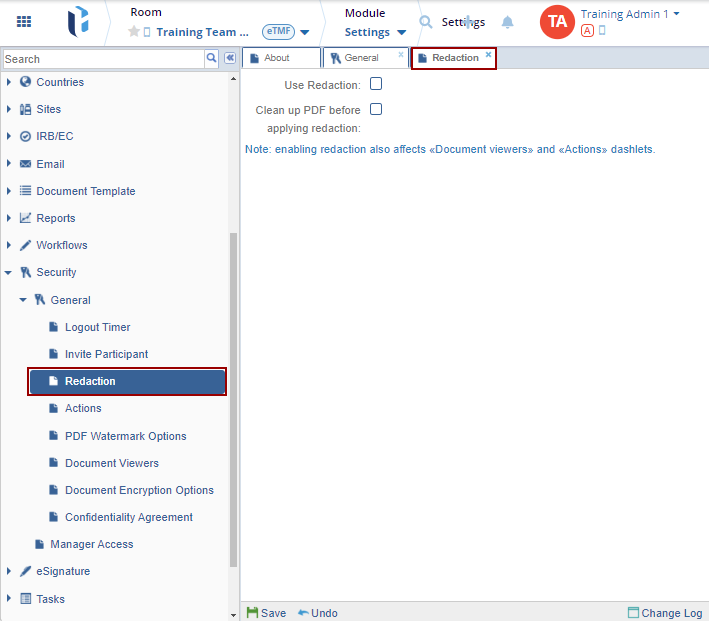
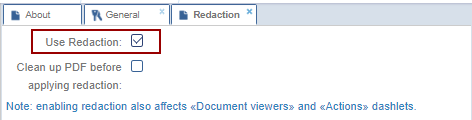
To configure the redaction settings, check the following checkboxes to enable the settings and click Save.
- Use Reaction: Check or uncheck the checkbox to enable or disable the feature respectively.
- Clean up PDF before applying redaction: Check the checkbox to ensures that
only the relevant text and elements are present before applying redactions,
preventing accidental exposure of sensitive data.
Note: Selecting the Clean up PDF before applying redaction option
displays a warning pop-up. Click Yes to proceed.

 Linkedin
 X
X

